
ArenaGear University · Recruiting
Automatic Sprint Video: How ArenaGear Gates Record Every Run Hands-Free
No one presses record. The gates start and stop the video, and every clip is security watermarked with the athlete's name and official time.
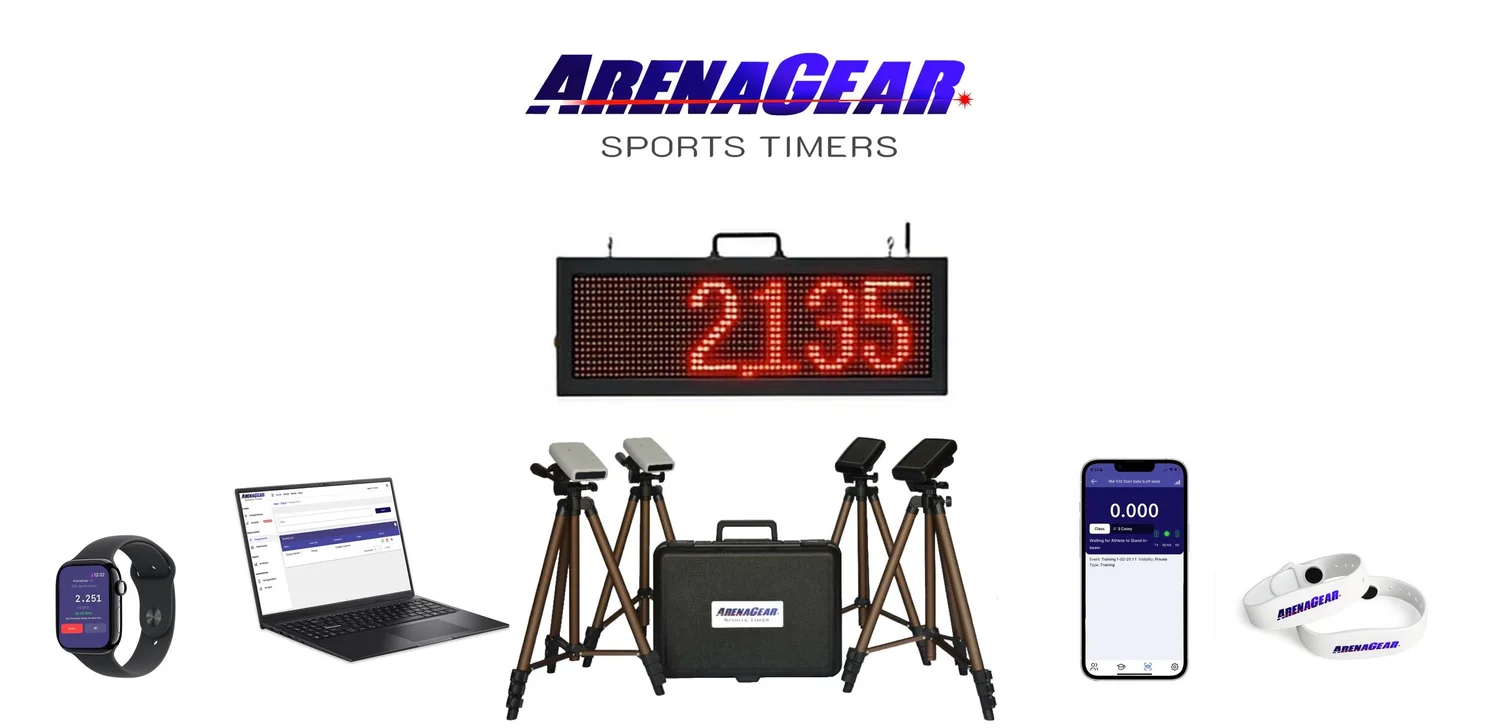
You have one pair of hands, twenty athletes and a stopwatch app that only works if you remember to tap it. Somewhere between shouting splits and resetting the timer, the fastest rep of the day goes unrecorded, and the one clip you wanted for a recruiting highlight reel never happens.
ArenaGear's timing gates trigger the start and end of video for every run on their own. Every rep is captured and timestamped, and the athlete's name and official time are security watermarked onto the video, certifying that this time and this athlete belong to this run.
The problem with pressing record yourself
- You miss the rep. You're coaching, spotting or timing. The camera is a fourth job.
- The clip starts late or ends early. By the time you find the phone, the athlete is at the ten-yard mark.
- The video has no number attached. A great clip means little to a recruiter if you can't prove what it timed.
Step 1: The gates trigger the video
The athlete breaks the start beam, and the timer and video start together. The athlete crosses the finish gate, and both stop. The same beam that produces your 0.001-second time produces your clip.
Step 2: Use a separate phone or iPad on its own tripod
The camera doesn't have to be the device running the timing app. Run the app on one device and record on an independent phone or iPad on its own tripod, managed by the coach: wide at the finish, tight at the start, or a sideline angle. Every clip is saved right on the coach's phone or iPad, so the footage is yours immediately, ready to trim, share with an athlete or send to a recruiter from the sideline.
Step 3: Control it from your wrist
With Apple Watch support, coaches can view and reset times and start or stop automatic video without walking back to the tripod. You stay in the middle of the drill, where you can actually coach.
Step 4: Build a certified recruiting library
One session produces dozens of clips. Over a season, you get a timestamped, watermarked history of every athlete's progress:
- Every run is recorded, not just the ones someone remembered to film.
- Every clip carries a security watermark of the athlete's name and time, certifying that this athlete ran this time in this video.
- Every rep is timestamped, so you can show a season of improvement, not one lucky day.
Why certification matters: recruiters are rightly skeptical of self-reported times and edited clips. A security-watermarked name and time turns a highlight video into verified evidence.
Step 5: Times flow into TEAMS
The videos stay on the coach's phone or iPad, while the matching times, athletes, drills and dates live in TEAMS, ArenaGear's free cloud data management service. After the session, run lifetime records, consistency and trends, and export results sorted by class, athlete or drill. See what you can do with TEAMS analytics.
All included
You're not buying a video add-on, a cloud tier or a roster upgrade. ArenaGear is the most cost-effective professional timing system on the market, used by thousands of schools and professional teams: 0.001-second accuracy, eye-safe infrared gates, no subscriptions and no per-athlete fees, made in McKinney, Texas.
RM-510 System + Vertical Jump: $798
Free shipping · Eye-safe infrared · No subscriptions · No per-athlete fees · Made in McKinney, Texas
SHOP THE RM-510← Back to ArenaGear University · Compare ArenaGear vs Dashr Silver