
Beyond the Beep: Why Precision Timing is Worthless Without Data Automation
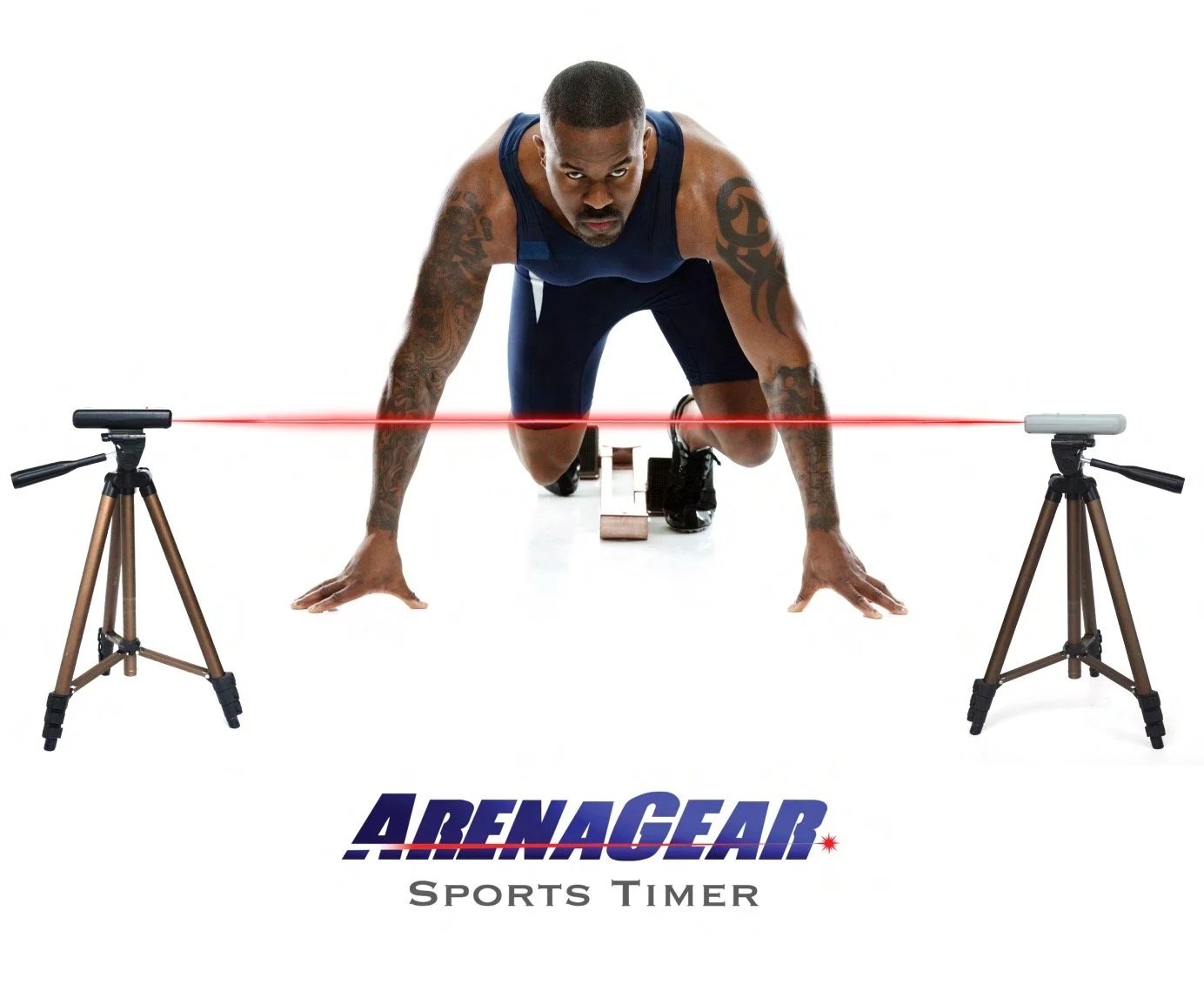
Unleash Your Full Potential: Why 0.001 Second Accuracy Matters in Training
Every athlete, regardless of their sport or level, shares a common goal: to improve. We push boundaries, refine techniques, and dedicate countless hours to training, all in pursuit of shaving off a fraction of a second, gaining an extra inch, or achieving that personal best. But how do you truly measure that improvement? How do you know if your hard work is making a real difference? If you can’t measure it, you are guessing.
For too long, the answer for many has been the humble stopwatch. While seemingly simple and accessible, traditional timing methods are rife with inconsistencies, human error, and a critical lack of precision that can actually hinder an athlete's progress. In today's competitive landscape, "good enough" timing simply isn't good enough anymore.
This is where Fully Automated Timing (FAT) systems come into play, and leading the charge is the ArenaGear RM-510 Wireless Timing System. We're talking about a level of precision that redefines what's possible in training and competition: 0.001 second accuracy.
The Flaws of Traditional Timing: Why Your Stopwatch Isn't Cutting It
Imagine a coach timing a 40-yard dash. The moment the athlete moves, the coach starts the watch. The moment the athlete crosses the line, the coach stops it. Seems straightforward, right? Not quite.
Human Reaction Time: Even the most alert human has a reaction time. Typically, this ranges from 0.1 to 0.2 seconds. This means every start and stop introduces a potential error, leading to inconsistent times. Was that fast time really faster, or did the timer just react quicker?
Inconsistency is the Enemy of Progress: If two different people time the same run, or even the same person times it twice, you're likely to get different results. This inconsistency makes it incredibly difficult to track genuine improvement, identify areas for development, or accurately compare performances.
Lack of Granularity: In many sports, the difference between a podium finish and just missing out, or hitting a new personal record versus staying stagnant, can be measured in hundredths or even thousandths of a second. A stopwatch simply cannot provide this level of detail, leaving athletes and coaches in the dark about true performance nuances.
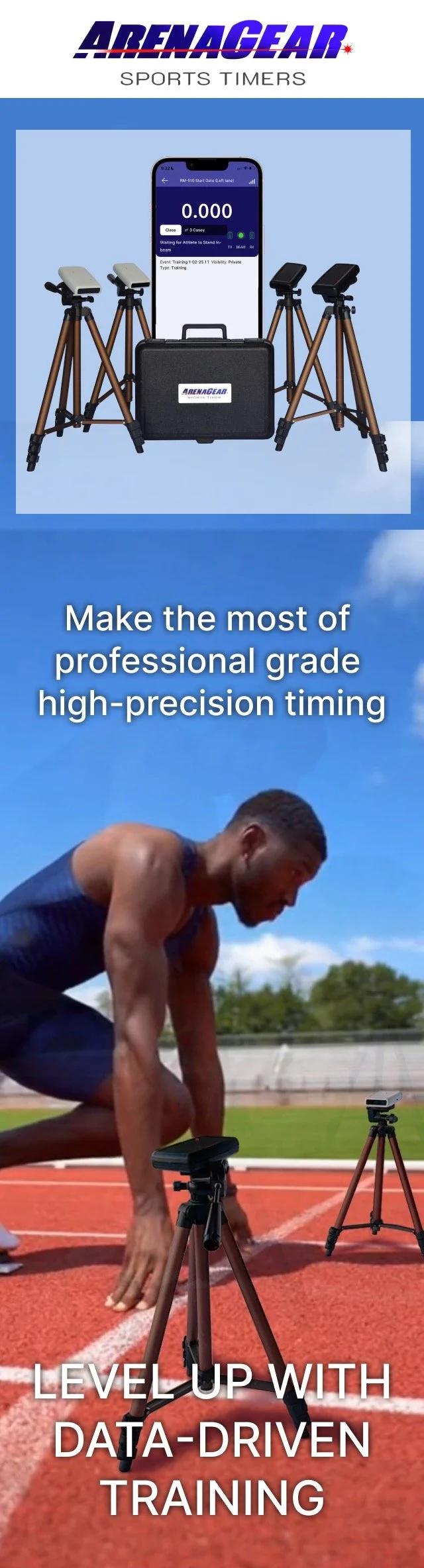
Introducing the ArenaGear Timer
Precision Engineered in the USA for Champions
Precision. Speed. Performance. That's the ArenaGear difference.
How It Works: The Magic of Laser Gates
The RM-510 utilizes advanced, eye-safe infrared laser technology. When an athlete's body breaks the laser beam at the start and finish lines, the system instantly records the time, eliminating any human reaction time error. It's objective, consistent, and incredibly precise.
Infrared beam technology, particularly in systems like the ArenaGear RM-510, offers surgical precision that proximity and magnetic sensors simply cannot match. While proximity sensors (such as those used by Freelap) detect an athlete within a broad "sphere" or "bubble" of detection up to 4 feet in diameter, an infrared beam is a straight, narrow line only 1/4 inch wide. This eliminates the "fuzzy" start and finish lines typical of gateless tech, where a sensor might not trigger while the athlete is still within a yard past the actual start line. Furthermore, unlike LIDAR or proximity chips that only sample data every 20ms—potentially introducing a 40ms margin of error—ArenaGear lasers provide a physical trigger accurate to 0.001 seconds (1ms). By using a physical light beam, the system ensures that the timer triggers exactly when the athlete's body crosses the plane of the gate, providing the true, unbiased measurements required for professional scouting and elite performance tracking.
Wireless Freedom & Pro-Grade Durability
Say goodbye to tangled wires and complicated setups. The RM-510 boasts complete wireless freedom, allowing for quick deployment and flexible course configurations with a range of up to 1,200 feet between gates. Crafted and built in the USA, our system is made with rugged, high-quality materials, ensuring it stands up to the demands of any training environment, from dusty rodeo arenas to bustling football fields. Plus, with 100+ hours of battery life on standard AA batteries, it's ready when you are.
The ArenaGear RM-510 is designed to eliminate variables, providing unbiased, hyper-accurate data that empowers athletes and coaches to make informed decisions.
0.001 Second Accuracy: What Does It Really Mean?
This isn't just a number; it's a game-changer. It means you can:
Identify Micro-Improvements: See if that slight change in stride or starting technique actually made you faster, even by a single millisecond.
Get True Splits: Accurately measure intervals within a run to understand where speed is gained or lost. Identify where work needs to be done: the start (0-10yd), the acceleration (10yd to 20yd), or the top speed/maintenance (20yd-40yd)
Ensure Fair Competition: In events where every fraction of a second matters, unbiased, precise timing is paramount
.
Data Management at Scale: The ArenaGear Cloud Teams AMS
For coaches and trainers managing large teams, the manual recording of times is a thing of the past. The ArenaGear Cloud-Based Athlete Management System (AMS) fully automates the testing and data collection process, creating a seamless pipeline from the laser gate to your digital dashboard. Each athlete’s performance is instantly logged under their unique profile, allowing you to run through entire rosters without ever picking up a pen. Beyond simple logging, the AMS provides sophisticated data analysis and longitudinal trend reporting. By visualizing performance over weeks, months, or seasons, coaches can identify peak performance windows, detect early signs of fatigue or plateauing, and make data-driven adjustments to training loads. It’s not just a timer—it’s a comprehensive high-performance laboratory that fits in your pocket.
Why the Cloud AMS is a Game-Changer:
Zero-Entry Data: Results sync automatically from the gate to the cloud—no more spreadsheets or lost notes.
Athlete Progress Tracking: View historical charts to see exactly how an athlete has improved since the first day of camp.
Team-Wide Insights: Identify which training blocks are yielding the highest speed gains across your entire organization.
Trend Analysis: Spot performance dips before they lead to injury by monitoring output consistency over time.
Real-World Applications: Who Benefits Most?
The versatility and precision of the ArenaGear RM-510 make it an indispensable tool across a wide spectrum of sports and training scenarios.
Football: Elevating Combine Performance
For football players, especially those eyeing college scholarships or professional careers, every millisecond in a 40-yard dash, 5-10-5 pro agility drill, or L-drill can impact their future. ArenaGear provides the exact times scouts and coaches rely on, helping athletes refine their technique and demonstrate their true speed.
The Comparison: Standard Timers vs. ArenaGear Ecosystem
Most wireless timers stop at the "beep." ArenaGear is built to handle the data that follows.
COURSE: ACTIVATING YOUR GATE-TO-CLOUD™ WORKFLOW
Stop chasing clipboards. Start syncing data.
Step 1: The "Gate" Connection
Before the cloud can see your data, your mobile device must be the bridge.
Ensure your gates are synchronized and aligned. You can use the help menu for the setup guides for different exercises.
University Tip: Ensure your phone’s Bluetooth is on; the gates calculate the time internally to 0.001s accuracy and broadcast it to your device instantly. If your phone's Bluetooth is not performing at peak capacity, the numbers will appear to respond sluggishly to gate crossings, but the data will never be wrong.
If you have an Apple Watch, open the ArenaGear app on it. You will get time data on your wrist after every run. You can reset the time and also start a video session.
University Tip: The watch will enter power-saving mode after a few seconds, but a large WAKE button will appear to wake it. You can adjust the sleep timeout on your watch's settings screen if you want the app to take longer to go to sleep, but that will affect all apps and the battery may not last as long, so we don’t recommend it.
Step 2: Linking Your Teams Portal
To move data from the field to the cloud, you must be signed in.
Log in using your Teams Login credentials.
Open the ArenaGear App and log in to your free account. If you don’t have an account, you can request one in the welcome screen. The login is not the same as what you may have set up on the website for receiving shipping updates or newsletters.
Select or create a new event on your device for the day’s session. When you choose an event type with a distance (like the Training 40 YD dash), speed in MPH will also be displayed and recorded. Select the event as public or private to allow anyone (or just people you allow) to see results from anywhere in the world.
Once logged in, your active roster will automatically download to your phone. Changes you make to the roster on your phone will sync up to the cloud and other devices, so be careful not to delete a participant; doing so will remove him/her from the system entirely and delete all performance data.
Step 3: The "Scan-to-Cloud" Workflow
This is where the automation happens.
Assign: From the participant screen, tap the wristband symbol, then tap the athlete's wristband with your phone. You may reassign a wristband to another participant once per day. ArenaGear wristbands are required for Gate-To-Cloud™ functionality
Run: From the results screen, tap the wristband icon at the bottom of the screen and tap the wristband to scan it. The athlete is automatically selected to run next. You can always manually select the next to run, but the corresponding wristband must have already been scanned in order to activate the Gate-To-Cloud™ link for that athlete.
Sync: The moment the time is recorded, the Gate-To-Cloud™ system pushes the result to your online dashboard. Results are available instantaneously on the Teams console. Anyone with an internet connection (and proper authorization) can see it from anywhere in the world.
Note: If you are in a location with no cell service, the app will queue the data and sync the moment you return to a Wi-Fi or LTE area.
Step 4: Analyzing the Data
Once your session is over, head to the Teams Portal on any device with an internet connection, including your dersktop PC. You can now:
View longitudinal trend reports (is the athlete getting faster over 6 weeks?).
Export your entire session to a CSV file for advanced scouting reports.
Share real-time results with parents or other coaches via the public events on the Teams portal (they can log in as guest and see your public events)
Use AI for deep analysis of your team (see the Super Bowl LX ad where our gates are used in conjunction with Microsoft’s Copilot)
Pro-Tips from the University:
Consistency is Key: Use the Gate-To-Cloud™ system for every practice, not just testing days. Our Cloud AMS is free and unlimited, so building a massive data history for your athletes is the best way to spot fatigue or plateaus before they lead to injury. Ai analysis greatly benefits from dense data history on differnt event types (40 yd, 10yd flys, vertical jump) for every athlete on your team.