
ArenaGear University · Events
How to Run a Combine, Camp or Showcase With Hundreds of Athletes
A step-by-step event playbook: disposable wristbands for automatic athlete ID, a hands-free reader at every start gate, live leaderboards, and results that land in TEAMS ready to report, with zero per-athlete fees.
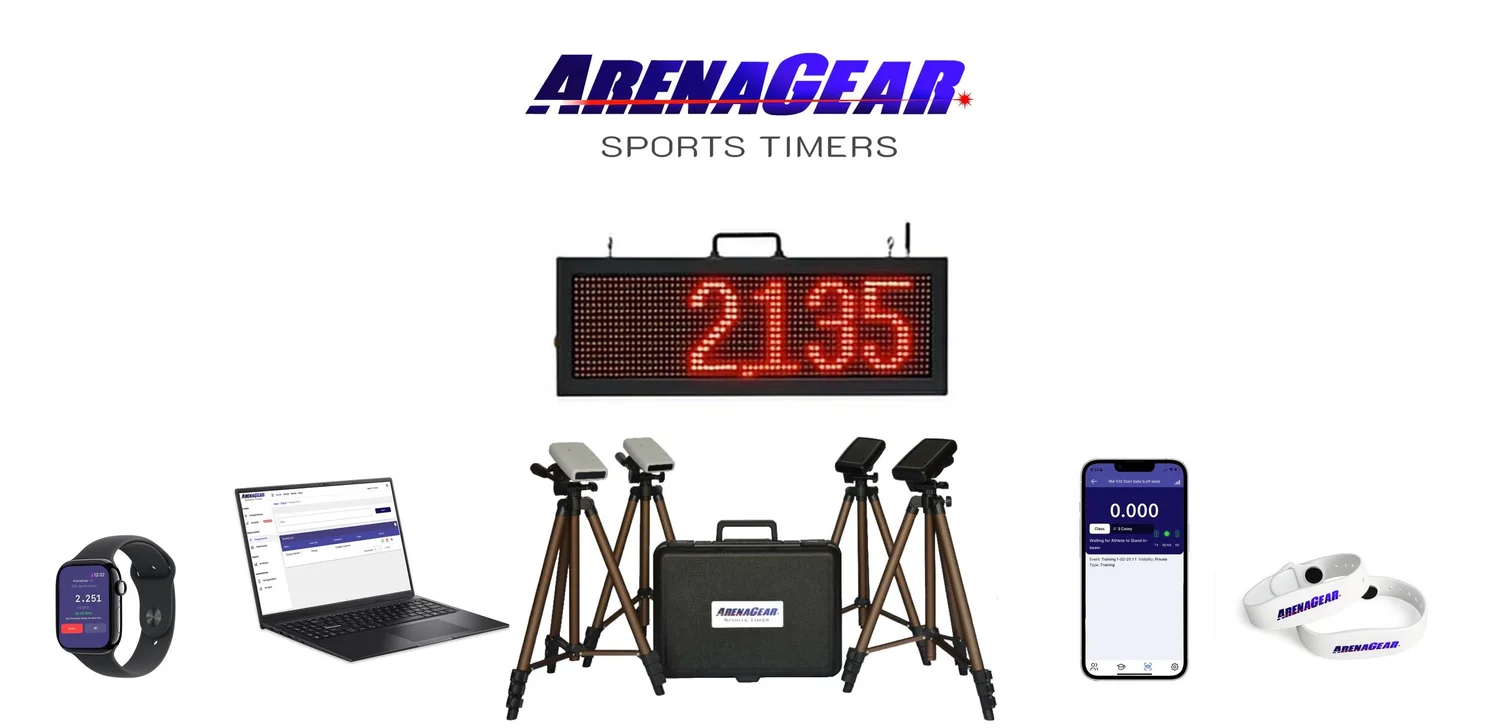
Running a combine with 400 athletes is a logistics problem before it's a timing problem. You have one day, a fixed number of stations, a roster that keeps growing, parents who want results, coaches who want clean data and scouts who want it live. A stopwatch and clipboard break down somewhere around athlete number 50.
The clock isn't the bottleneck. Knowing who just ran is. Every name lookup at the start line, every misread jersey number and every scoresheet typed up that night is where a big event loses time and accuracy. ArenaGear takes that step out of the day: every athlete wears a disposable wristband, taps it at the start gate, and their name, drill and time go straight into TEAMS. Here's how organizers run events at scale.
The whole event in four moves
- Check-in: each athlete gets a disposable wristband with their name on it.
- At the station: the athlete taps the wristband on the reader at the start gate.
- The run: the gates time it to 1/1000 of a second and the result attaches to that athlete.
- The results: the live leaderboard, your API and your TEAMS reports update on their own. Nobody types a name or copies a time.
The wristband: automatic athlete ID for under a dollar
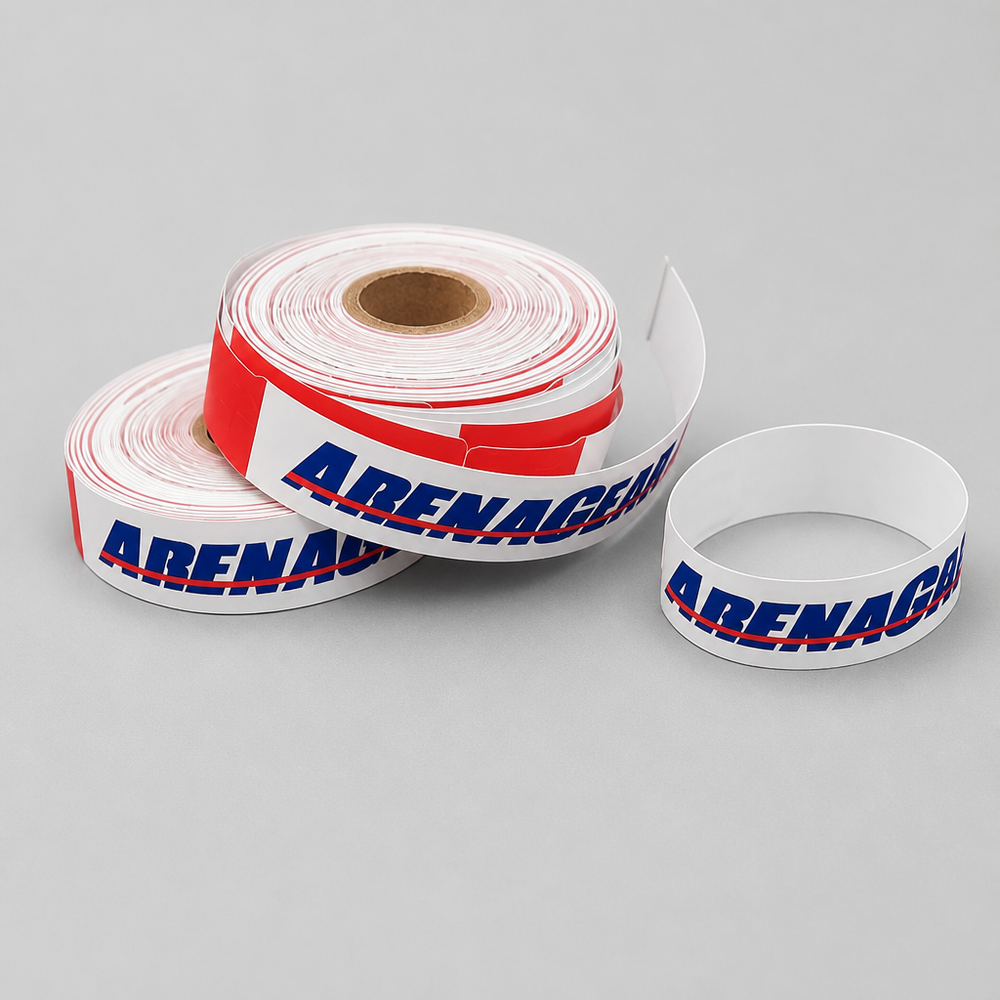
ArenaGear disposable wristbands are waterproof paper bands built for exactly this job: weekend camps, combines, showcases and competitions. Each one is valid for one day and activates on its first scan. Once scanned, the athlete's name is locked in, so a band can't be handed to a friend or wander into next month's event. The data stays in TEAMS until you delete it, long after the band has expired.
A roll of 100 is $99, or $0.99 per athlete. The wristband data subscription is included, so there are no extra subscription or per-athlete spot fees. Programs that test the same athletes year-round can use the 4-year silicone wristband instead, but for a one-day event the disposable band is the one to stock.
The wristband reader: hands-free check-in at the start gate
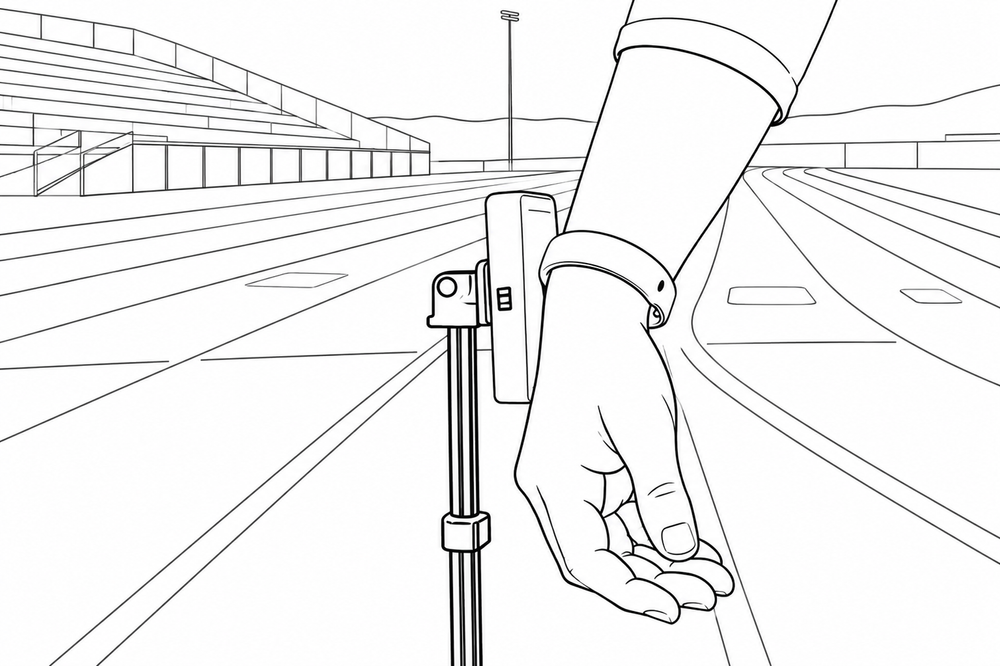
The ArenaGear Wristband Reader mounts on a tripod right at the start gate. When an athlete steps up, they tap their wristband on the reader and the ArenaGear TEAMS app on that station's phone or iPad selects them automatically over Bluetooth. No coach has to hold a phone against a wrist, search a roster or call out names.
It also solves the iPad problem. iPads have no built-in NFC antenna, so on their own they can't read a wristband. Connect the reader over Bluetooth and an iPad can run a full test station. The reader works with both the disposable and the 4-year silicone wristbands, and it ships with 100 disposable wristbands in the box. Coaches can still scan a wristband by touching it to the NFC antenna of an iPhone or Android phone, which is handy at the check-in table.
Step 1: Build your classes and pre-load the roster
In TEAMS, create a class for each wave, position group or age group. Select a class in the app and every athlete in it loads into the run list, in the order they run. TEAMS is unlimited and free, so a roster of 400 costs the same as a roster of 40. Walk-ups don't break anything: add them at any station and every other station sees them instantly.
Step 2: Band every athlete at check-in
Write each athlete's name to a disposable wristband at the check-in table and put it on their wrist. It takes about 4 seconds per band, so one table can band 400 athletes in under half an hour and a second table cuts that roughly in half. Pre-registered athletes can have their bands programmed before the event and handed out as they arrive. Bands stay dormant until the first scan, and any unused bands are simply left over for the next event.
Made a typo? A band can be reprogrammed any time before its first scan. After that the name is locked for the day.
Step 3: Set up eye-safe infrared gates and a reader at each start
ArenaGear gates are eye-safe infrared, never lasers. That matters at a combine, where athletes in the 5-10-5 start with their faces directly in line with the beam. The gates are wireless and self-aligning, so setup is just placing the tripods and powering on, with no cables across a field full of athletes warming up. Why eye-safe matters.
Put a Wristband Reader on a tripod beside the start gate at each station and connect it to that station's phone or iPad.
Step 4: Tap, run, repeat
This is where the wristband earns its keep. The athlete taps in, TEAMS selects them, they run, and the athlete, run type and time are logged to their profile the moment they cross the beam. Your staff never types a name or reads a jersey number, so there is far less chance of the wrong name landing next to a time. With a phone on a tripod, the app also records a separate video of every run, stamped with the athlete's name, time and drill.
Step 5: Run every station with Global View and Global Sync
- Global View lets one phone see every station at once, perfect for directors and for side-by-side runs.
- Global Sync keeps roster updates, wristband scans, station changes and results in sync instantly across every device. Add a walk-up athlete at station three and every other station already knows.
Step 6: Publish a live leaderboard
Parents and scouts don't want to wait for an email on Monday. With ArenaGear, unlimited phones, iPads and web browsers can follow a live, real-time web leaderboard, from the sideline or from home. Because every result is tied to a wristband scan, the names on that board come straight from the athlete's tap, not from someone typing. For a showcase, that live board is the product.
Step 7: Push results the moment they happen
ArenaGear's open API webhook delivers each result to your recruiting portal, registration platform or display system the instant the athlete crosses the beam, with the athlete already identified.
Step 8: Reports that write themselves in TEAMS
There is no end-of-day data entry and no scoresheets to reconcile. Every run was linked to an athlete by their wristband, so when the last athlete finishes, the results are already in TEAMS, ArenaGear's free cloud data management service. Run lifetime records, consistency and trends, and export results sorted by class, athlete or drill. The same system tracks athletes year over year, so a sophomore's first 40 becomes a junior's baseline.
The cost math that changes the decision
Per-athlete roster fees are the hidden tax on high-volume testing. A camp testing 2,400 new athletes a year would pay $2,400 a year, or $12,000 over five years, at $1 per athlete. With ArenaGear, TEAMS is $0 at any volume: no roster-spot fees, no subscription, and the wristband data is included. The only per-athlete cost is the disposable band itself, $0.99. Banding all 400 athletes at a combine is about $396.
| What you need | Price | What it does |
|---|---|---|
| Disposable 1-day wristbands, roll of 100 | $99 | $0.99 each. Valid one day, activates on first scan. |
| Wristband Reader with 100 disposable wristbands | $400 | Tripod-mounted tap-in at the start gate. Bluetooth to phone or iPad. |
| 4-year silicone wristband | $30 each, $200 for 20, $800 for 100 | For teams and schools that test year-round. |
| TEAMS cloud: rosters, reports, exports | $0 | Unlimited athletes. No subscription, no per-athlete fees. |
TEAMS is free even if you never buy a wristband, and wristbands work with all ArenaGear timing systems, old and new. Browse the ArenaGear wristbands, the Wireless Wristband Reader, or read the wristband FAQ.
Event-day checklist
- Build your classes and pre-load the roster in TEAMS.
- Stock one disposable wristband per athlete, plus spares, and set up a check-in table.
- Program a wristband with each athlete's name at check-in. They wear it all day.
- Set eye-safe infrared gates on their tripods at each station.
- Mount a Wristband Reader on a tripod at each start gate and connect it to the station's phone or iPad over Bluetooth.
- Open Global View on the director's device.
- Confirm Global Sync across all devices before the first heat.
- Share the live leaderboard link with parents and scouts.
- Confirm your API webhook is receiving results.
- After the event, run exports by class, athlete or drill in TEAMS. The results are already there.
ArenaGear is the most cost-effective professional timing system on the market, used by thousands of schools and professional teams. 0.001-second accuracy, made in McKinney, Texas.
RM-510 System + Vertical Jump: $798
Free shipping · Eye-safe infrared · No subscriptions · No per-athlete fees · Made in McKinney, Texas
SHOP THE RM-510← Back to ArenaGear University · Compare ArenaGear vs Dashr Silver
Frequently asked questions
How do you time hundreds of athletes at a combine or showcase?
ArenaGear's playbook uses a four-step flow: athletes get a disposable wristband at check-in, tap it on a reader at the start gate, the gates time the run to 1/1000 of a second and attach it to that athlete, and live leaderboards, the API, and TEAMS reports update automatically.
How much do NFC wristbands for combine timing cost?
ArenaGear lists disposable 1-day wristbands at $99 per roll of 100 ($0.99 per athlete), a Wristband Reader with 100 disposable wristbands at $400, and 4-year silicone wristbands at $30 each, $200 for 20, or $800 for 100. TEAMS cloud is $0 and free even without wristband purchases.
How long does check-in take for a 400-athlete combine?
ArenaGear estimates about 4 seconds per band, so one table can handle 400 athletes in under 30 minutes and two tables roughly halve that time.
How much do per-athlete fees cost a large camp?
ArenaGear calculates that a camp testing 2,400 new athletes a year at $1 per athlete would pay $2,400 per year, or $12,000 over five years. ArenaGear's TEAMS costs $0 at any volume, with no roster-spot fees or subscription.