
ArenaGear University · How-To
How to Set Up a Wireless Timing System for Track and Field in Under 60 Seconds
Tripods down, gates on, first rep timed. Here's the one-coach routine, plus the roster step you only do once a semester.
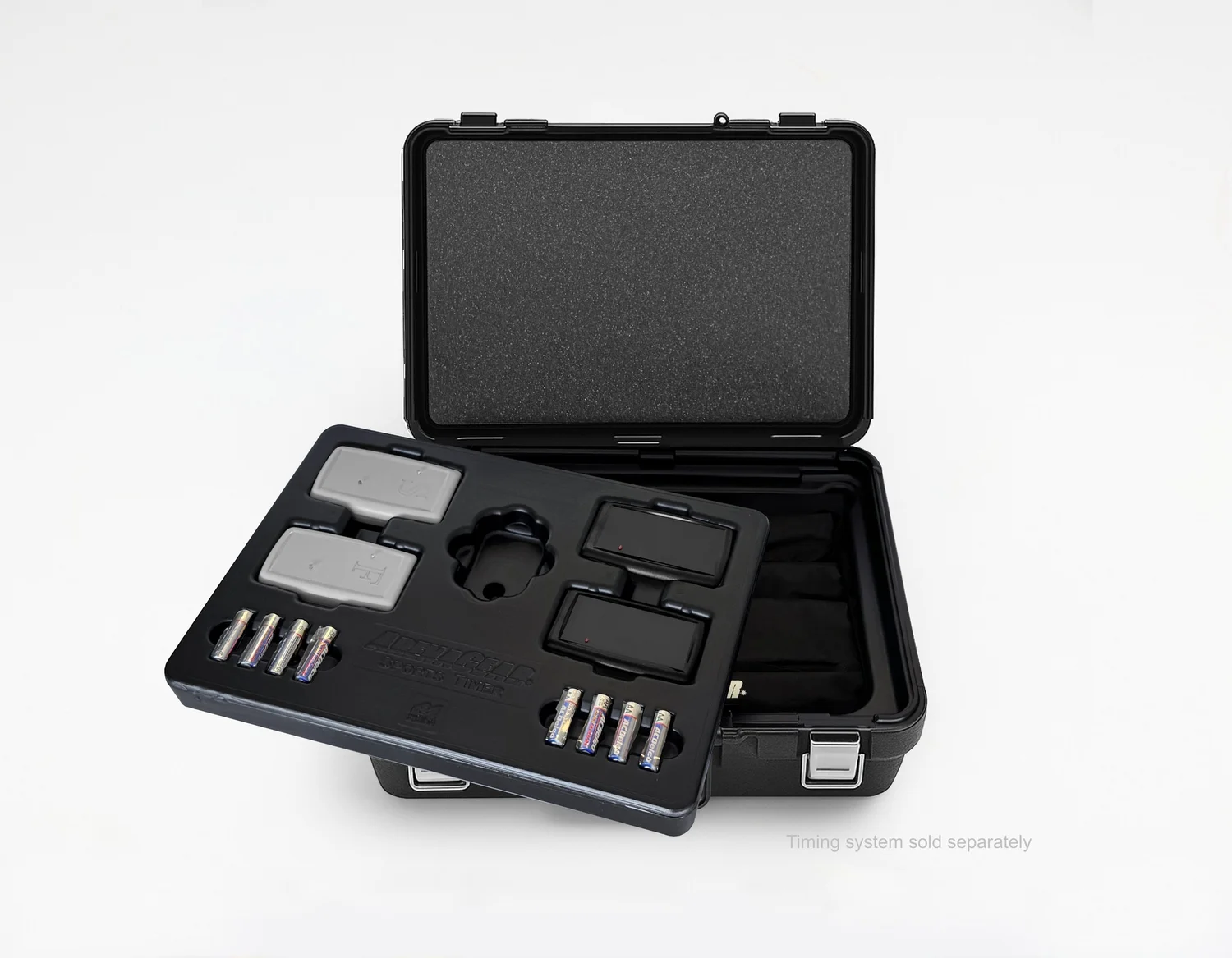
Electronic timing shouldn't need a crew or a warm-up of its own. With self-aligning wireless gates, one coach can have the gates standing and ready to time in under 60 seconds. Here's the routine.
What you need
- An ArenaGear 2-gate system (start gate and finish gate) with tripods
- A phone or tablet with the ArenaGear app (iOS or Android)
- AA batteries (about 80 hours of runtime; spares are at any gas station)
The 60-second setup
- Stand the tripods on your marks. Each gate is a pair of tripods facing each other across the lane: a black box that sends the beam and a gray box that receives it. Put one gate on the start line and one on the finish, and switch sides on the second gate (black on the left at the start, black on the right at the finish). The RM-510 times sprints and drills up to 600 meters, so the same kit covers blocks work, flys, 100s and longer reps.
- Set the gates at waist height. A waist-height beam triggers near the athlete's center of mass instead of a swinging arm or a foot, which gives you repeatable times.
- Power on. There's nothing to aim. ArenaGear gates are self-aligning: no reflectors, no laser aiming, no cables down the lane. The beam is eye-safe infrared, as safe as a TV remote control.
- Open the app and run. Connect to the gates, pick your event (a 2-gate sprint, a 1-gate event, or splits) and time the first rep, accurate to 0.001 seconds. Every run, with the athlete's name, time and event, uploads automatically to your TEAMS cloud console, so you don't even need a clipboard.
That's the whole daily setup. Battery status shows live in the app, so you're never surprised mid-session.
Once a semester: load your roster
Rosters aren't part of daily setup. You load them once, usually at the start of a semester or season, in TEAMS, ArenaGear's free cloud data management service, with unlimited athletes and no per-athlete fees. Organize athletes into classes (freshmen, JV, varsity, PE periods), and from then on you just pick a class in the app and its athletes load into the run list automatically. With NFC wristbands, athletes simply scan in and every time attaches to the right name. How TEAMS organizes rosters and classes.
Optional add-ons
- Split gates for 10- and 20-meter splits
- Automatic video: a second phone or iPad records every rep, started and stopped by the gates and security watermarked with the athlete's name and time
- More coaches: assistants can follow and control the same gates from their own phones
After practice
Unlimited devices can follow a live leaderboard during the session. Afterward, TEAMS gives you lifetime records, consistency and trends, and exports sorted by class, athlete or drill.
Setup mistakes to avoid
- Gates set too low, so the beam catches a hand or foot before the torso
- Gates placed so athletes clip the tripods at speed; leave room on the lane edge
- Starting a long session on nearly-dead batteries; check the live battery status first
More: How to time a 40-yard dash accurately · 7 timing mistakes coaches make
RM-510 System + Vertical Jump: $798
Free shipping · Eye-safe infrared · No subscriptions · No per-athlete fees · Made in McKinney, Texas
SHOP THE RM-510← Back to ArenaGear University · Compare ArenaGear vs Dashr Silver